What is audio to MIDI transcription?
Audio to MIDI transcription is Papiano AI at work: it detects which notes are played in a recording and writes them out as a MIDI file — the note-by-note format a piano app can replay, show as falling notes, or engrave as sheet music.
Results depend on the recording. Clear piano music transcribes best; dense or noisy mixes are harder, so treat the MIDI as a strong starting point rather than a perfect copy.
Where the music can come from
- Audio files on your phone.
- Video files: Papiano takes the sound and transcribes the piano part.
- Links to your own content from YouTube, Instagram and TikTok.
What you can do with the result
Open the MIDI straight in the Visualizer, Learn Song or MIDI to Sheet from the quick actions. Finished results are kept in a history on your device, each with a real .mid file that reopens without a network connection.
Only transcribe audio you have the right to use.
How it works
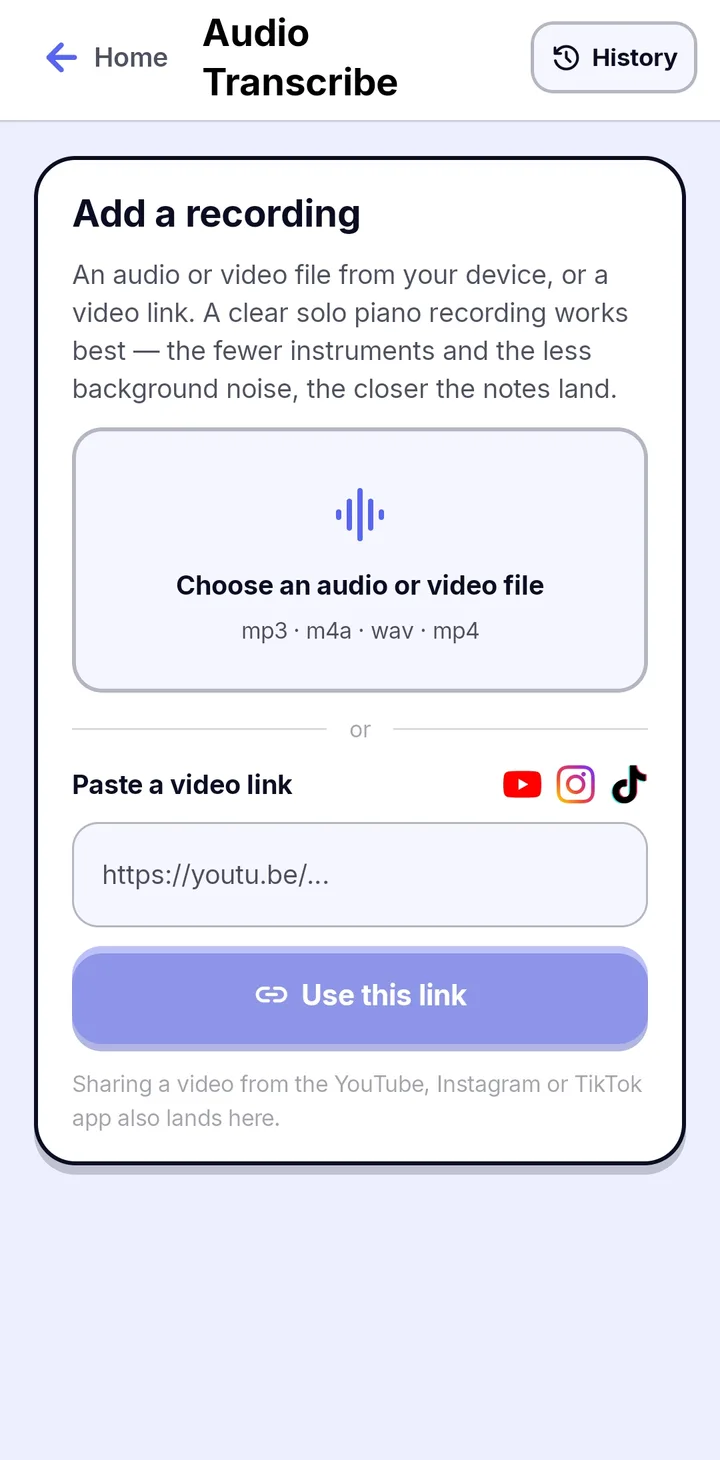 1
1Add a recording
Choose an audio or video file from your phone, or paste a YouTube, Instagram or TikTok link to your own content. A clear solo piano recording works best.
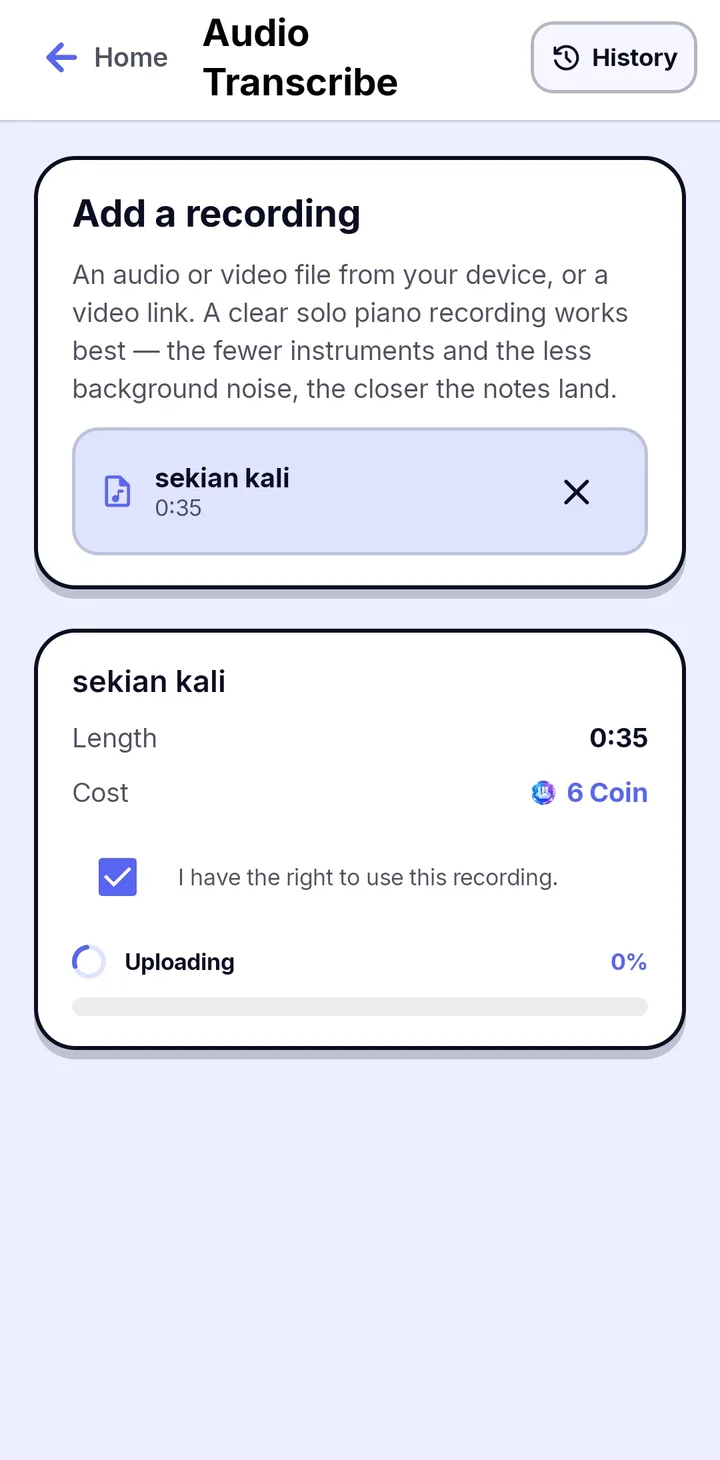 2
2Check and confirm
See the length and the Coin cost, confirm you have the right to use the recording, and Papiano uploads it and transcribes it while you wait.
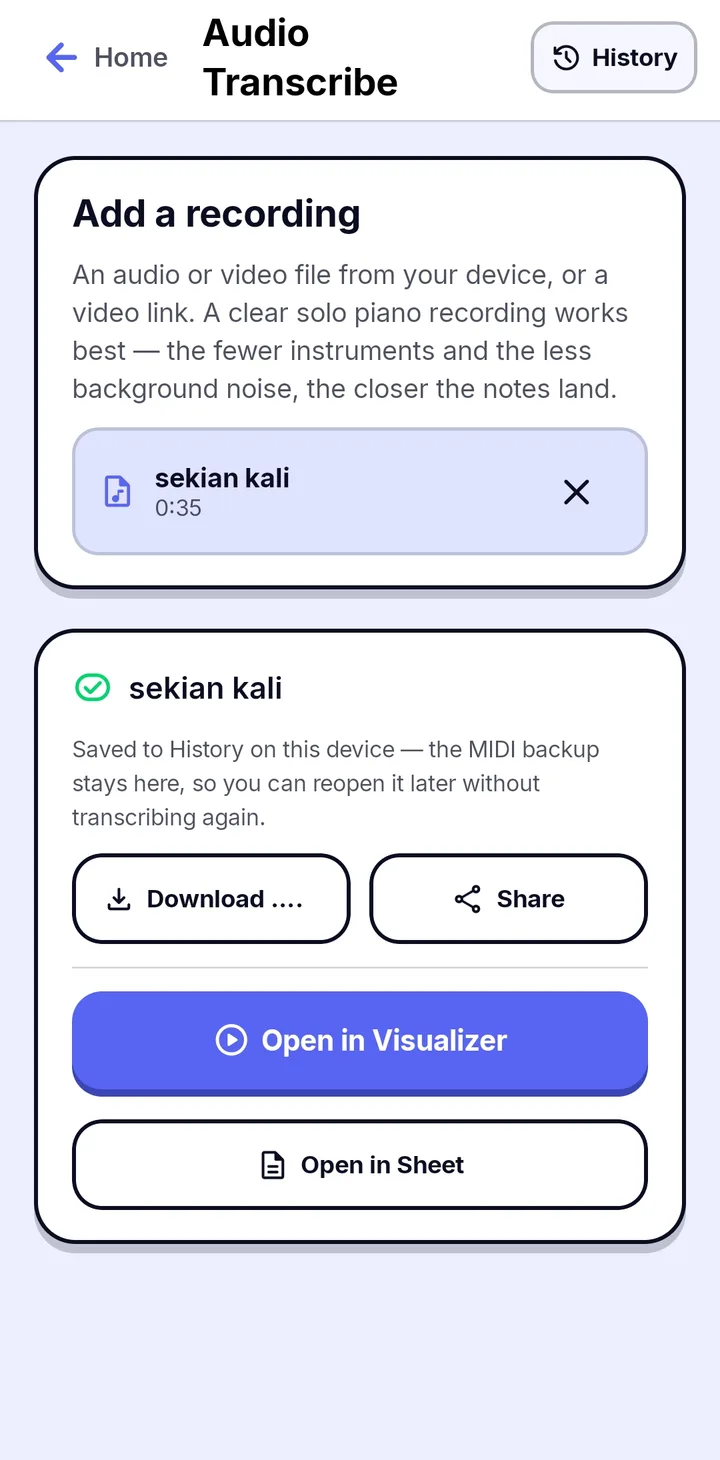 3
3Open or save the result
The MIDI is saved to History on your device. Download it, share it, or open it in the Visualizer or Sheet in one tap.
Frequently asked questions
Which links does Audio to MIDI accept?
YouTube, Instagram and TikTok links to content you own, including shortened links and Shorts or Reels.
How accurate is the MIDI?
It depends on the source. A clean piano recording gives the best result. Busy mixes with drums and vocals are harder to transcribe, so expect to practice from it rather than treat it as an official score.
Does it cost anything?
Transcribing uses Coin or a daily allowance, and prices and limits are shown in the app's Top Up plans. Free players see a short ad while a job runs; Premium has no ads.
Works well with
MIDI to Sheet Music
Engrave real piano notation from MIDI, play it back, and export an A4 PDF.
Falling Notes
Watch your MIDI or MusicXML songs fall onto a 3D keyboard with key light and particles.
Video Export
Export your Visualizer as an MP4 for TikTok, Reels and YouTube Shorts.