How Learn Song works
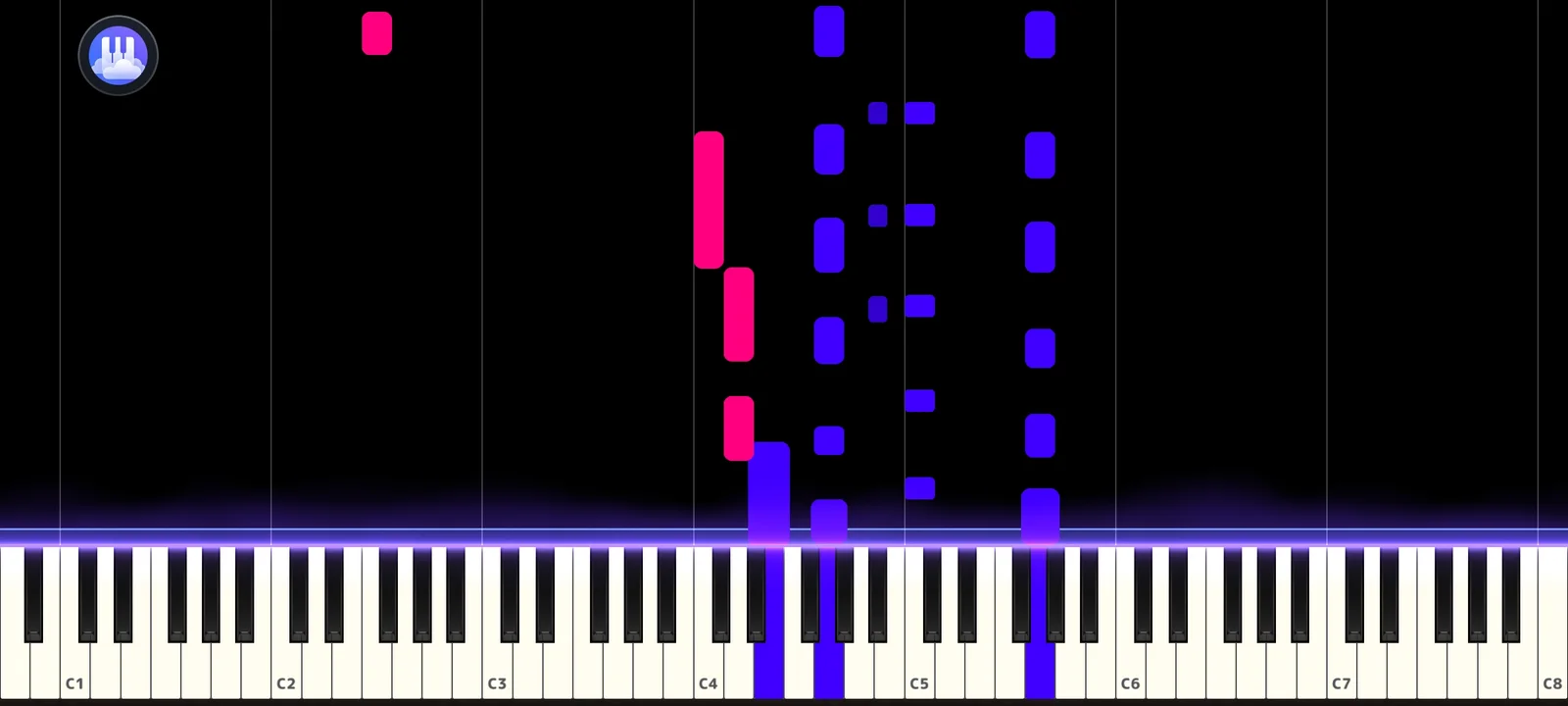
Notes fall toward the strike line as in the Visualizer, but the song stops at the next note you still owe. Play it on the touchscreen or a MIDI keyboard and the music moves on. A chord counts once every note in it has been played.
Right notes light up green and wrong ones red, so you see mistakes the moment they happen.
A live score with three tiers
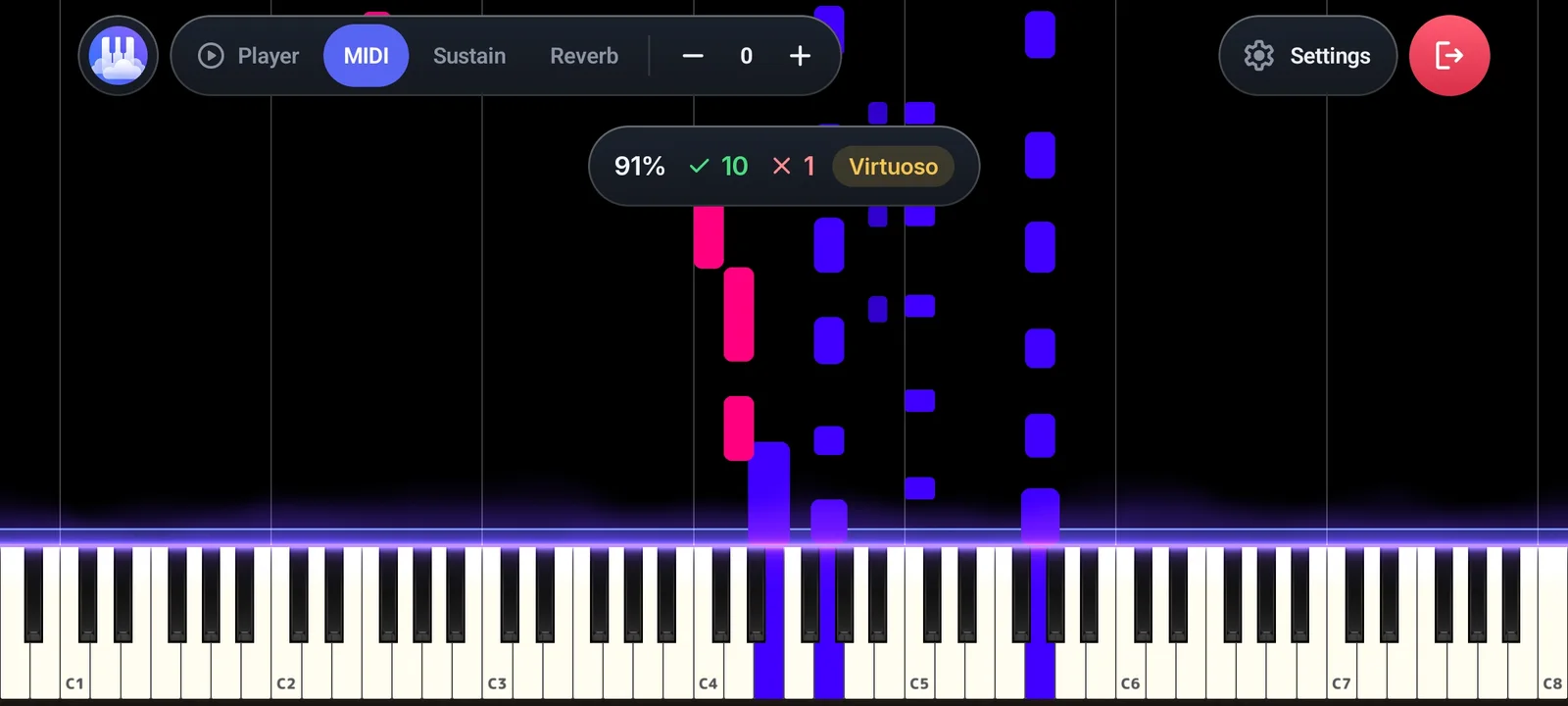
A bar at the top shows Accuracy, Correct, Wrong and Tier. Accuracy is Correct divided by Correct plus Wrong. You start at Beginner, reach Intermediate from 70% and Virtuoso from 90%.
- Adjustable hit tolerance, up to 400 ms early.
- Transpose a song to a key that suits your hands.
- Pause without losing progress, or restart from the top.
- Replay a finished song or pick a new one.
Just want to play?
Solo Piano opens straight to the keyboard: no song, no setup. It uses the same keyboard, sounds and effects, and accepts touch and MIDI input.
Learn chords and scales
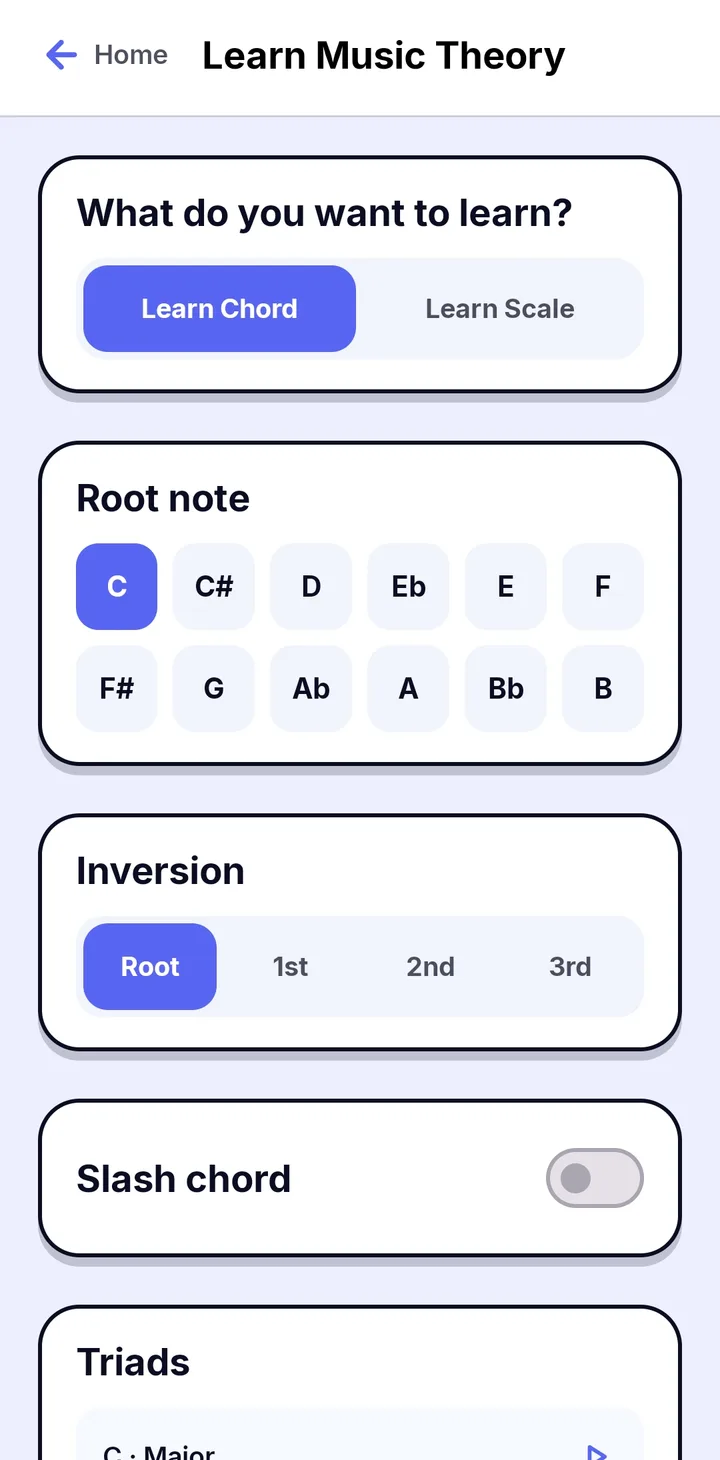
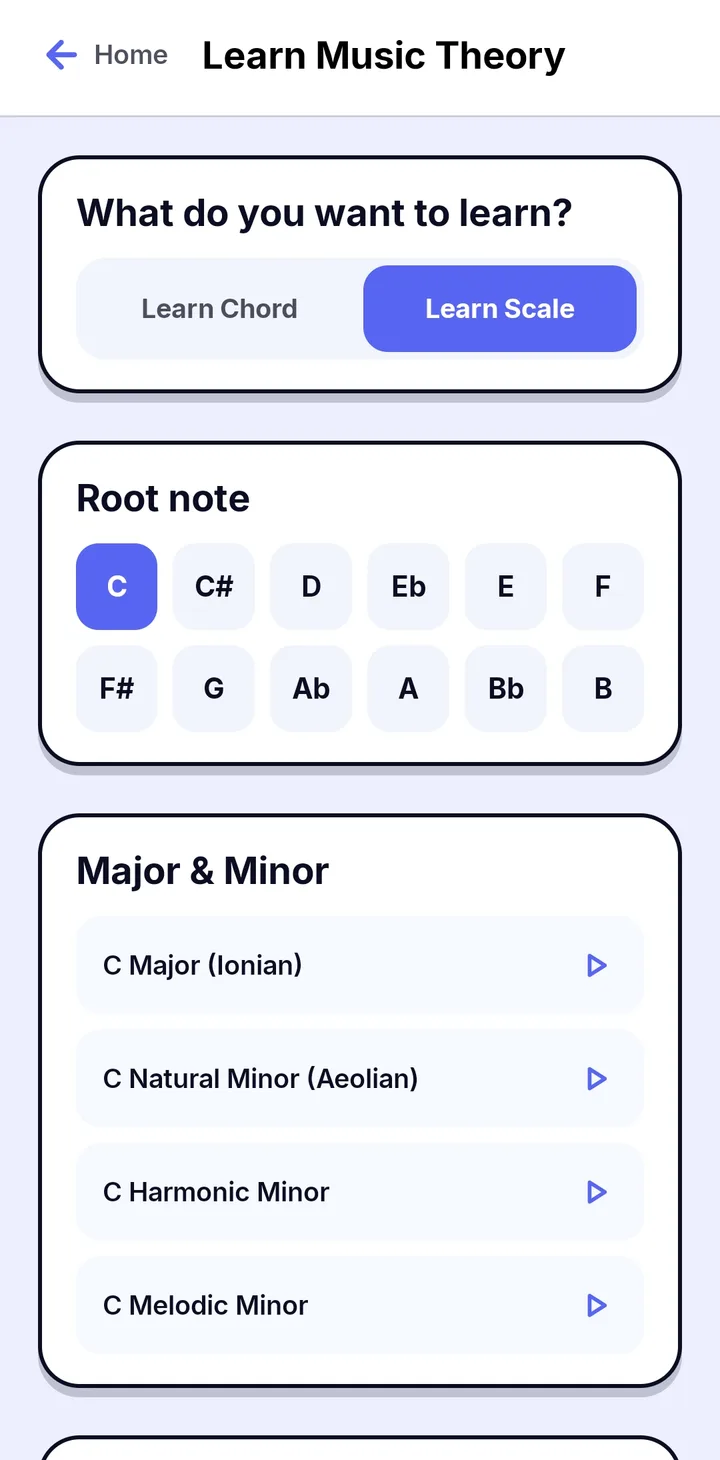
Open Learn Music Theory from Home and choose Learn Chord or Learn Scale. Pick a root note from all twelve notes, then choose what to practice.
- Chords: choose the inversion (Root, 1st, 2nd or 3rd), turn on Slash chord, and pick from lists such as Triads.
- Scales: Major and Minor, with Ionian, Natural Minor (Aeolian), Harmonic Minor and Melodic Minor, plus Modes.
- Tap the play button next to any chord or scale to practice it.
Play it on the keyboard
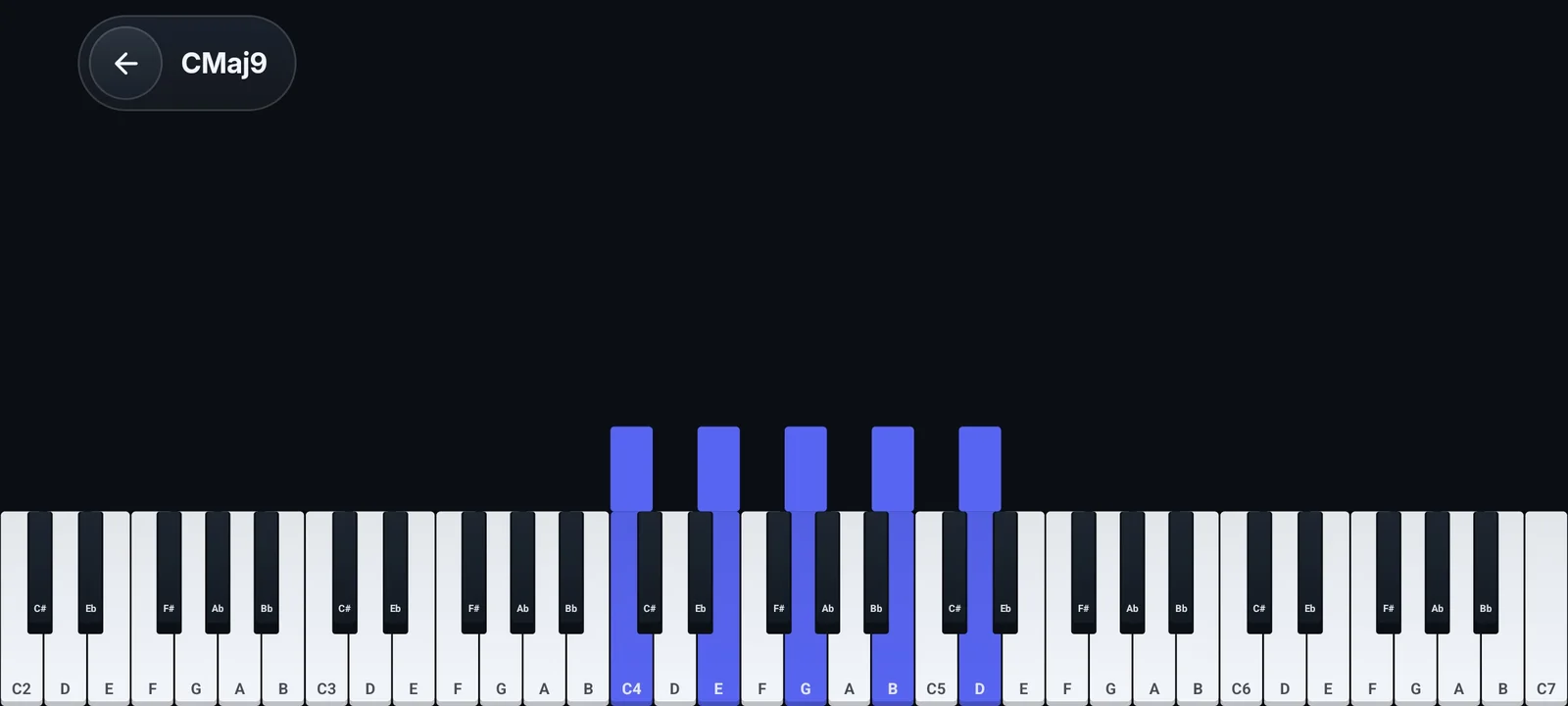
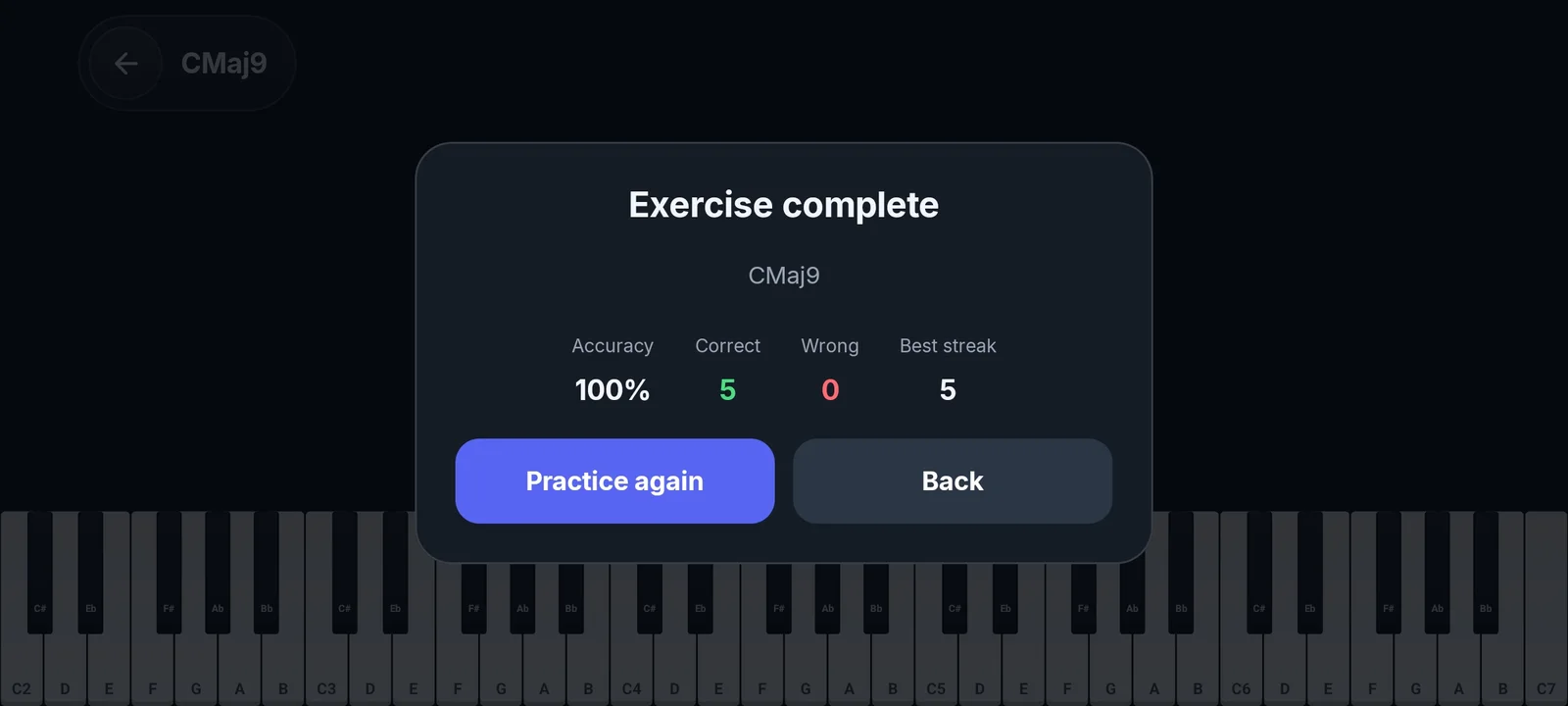
The notes of the chord or scale light up on the keyboard in landscape. Play them, and Papiano scores the exercise with Accuracy, Correct, Wrong and Best streak, so you can practice again right away.
How it works
- 1
Choose a song
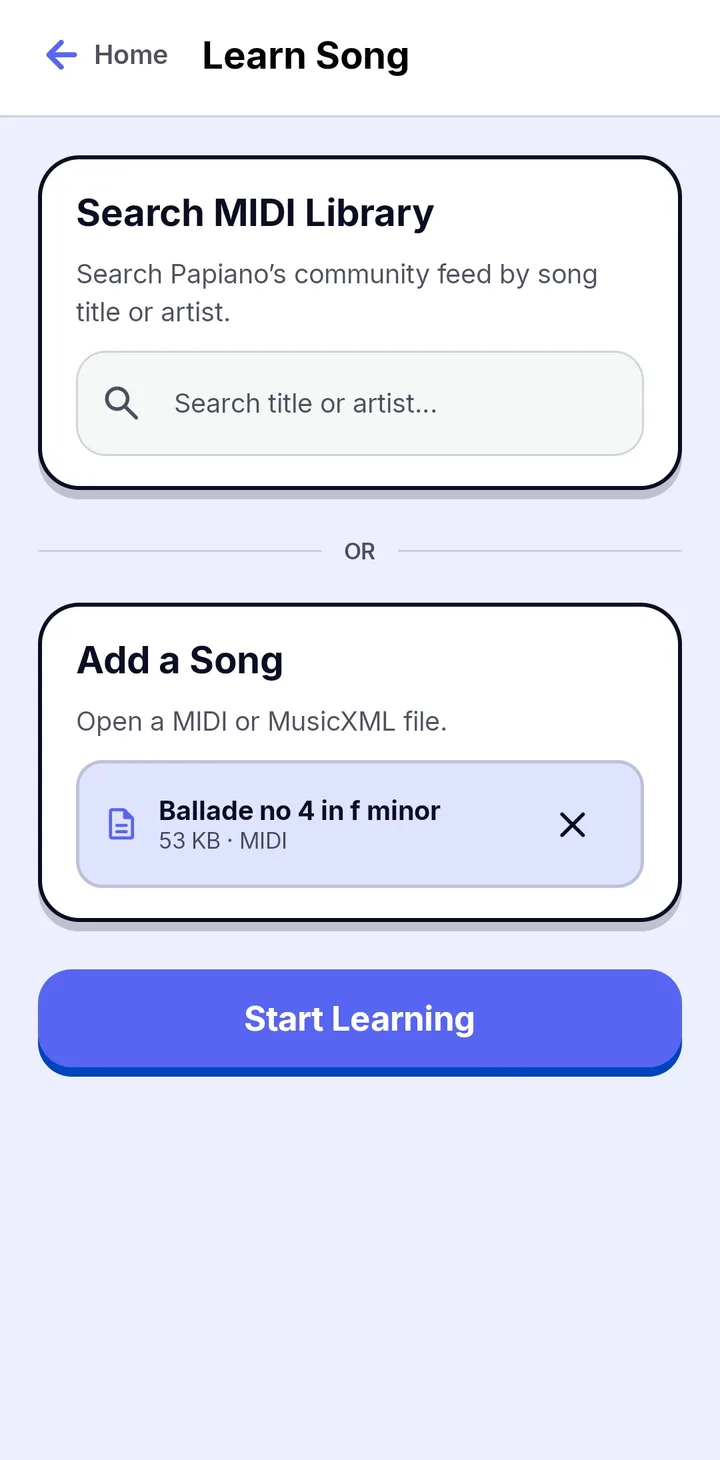
Upload a MIDI or MusicXML file, or pick one from the MIDI Library.
- 2
Press play
The song starts and stops at the first note you need to play.
- 3
Play the notes
Use the touchscreen or turn MIDI on to play a USB or Bluetooth keyboard.
- 4
Check your tier
Finish the song, then replay it to climb from Beginner to Virtuoso.
Frequently asked questions
Can I use a real MIDI keyboard?
Yes. Papiano reads USB and Bluetooth MIDI keyboards that Android already recognizes. Tap MIDI in the toolbar to switch input on.
Does it work without a MIDI keyboard?
Yes. The on-screen keyboard works with touch.
Can I learn my own songs?
Any MIDI you have rights to use, whether it is yours, from the MIDI Library, or made with Audio to MIDI.
Works well with
Falling Notes
Watch your MIDI or MusicXML songs fall onto a 3D keyboard with key light and particles.
MIDI Library
Discover songs shared by the community, preview them, and share your own MIDI files.
MIDI to Sheet Music
Engrave real piano notation from MIDI, play it back, and export an A4 PDF.