What is a piano falling notes visualizer?
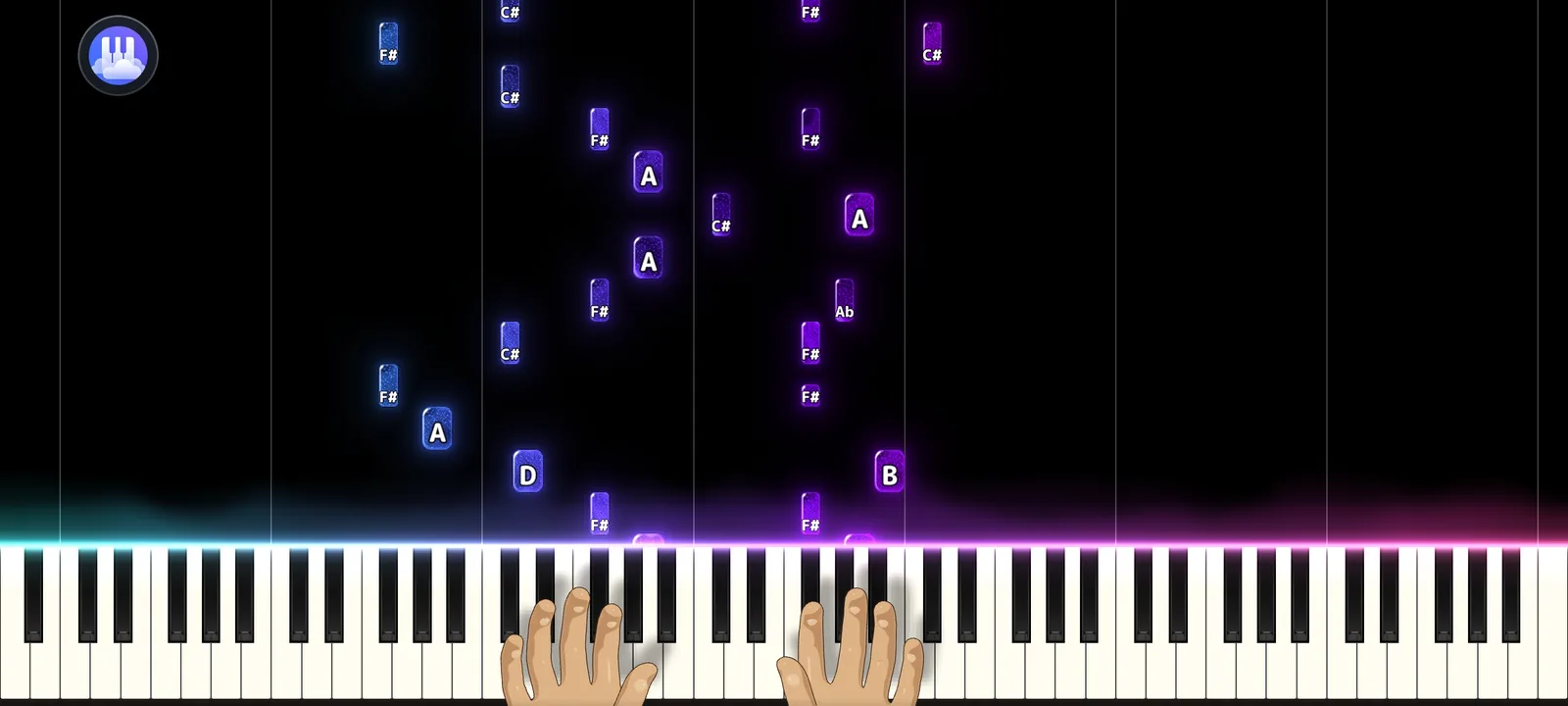
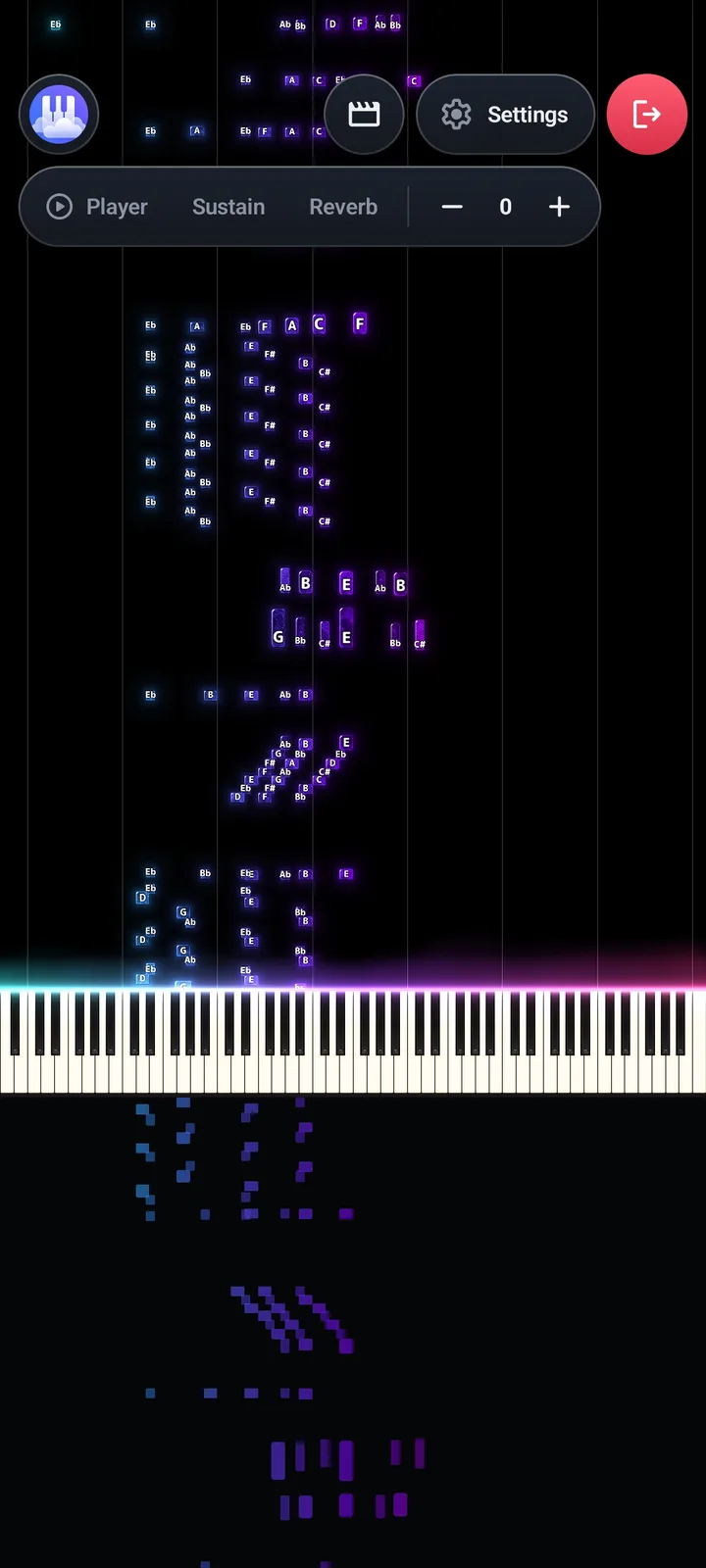
A falling notes visualizer draws every note of a song as a bar that drops toward a keyboard. When a bar reaches its key, that note sounds. Because you can see what is coming, it is the easiest way to follow a piece you cannot read from sheet music.
What you get in Papiano
- A 3D keyboard covering A0 to C8, drawn natively with OpenGL ES 3.
- Key light and particle effects that follow the music.
- Grand piano sound from SF2 SoundFonts, played by Papiano's own audio engine.
- SoundFont layers, so you can play strings over the piano like an orchestra, and support for your own custom SoundFonts.
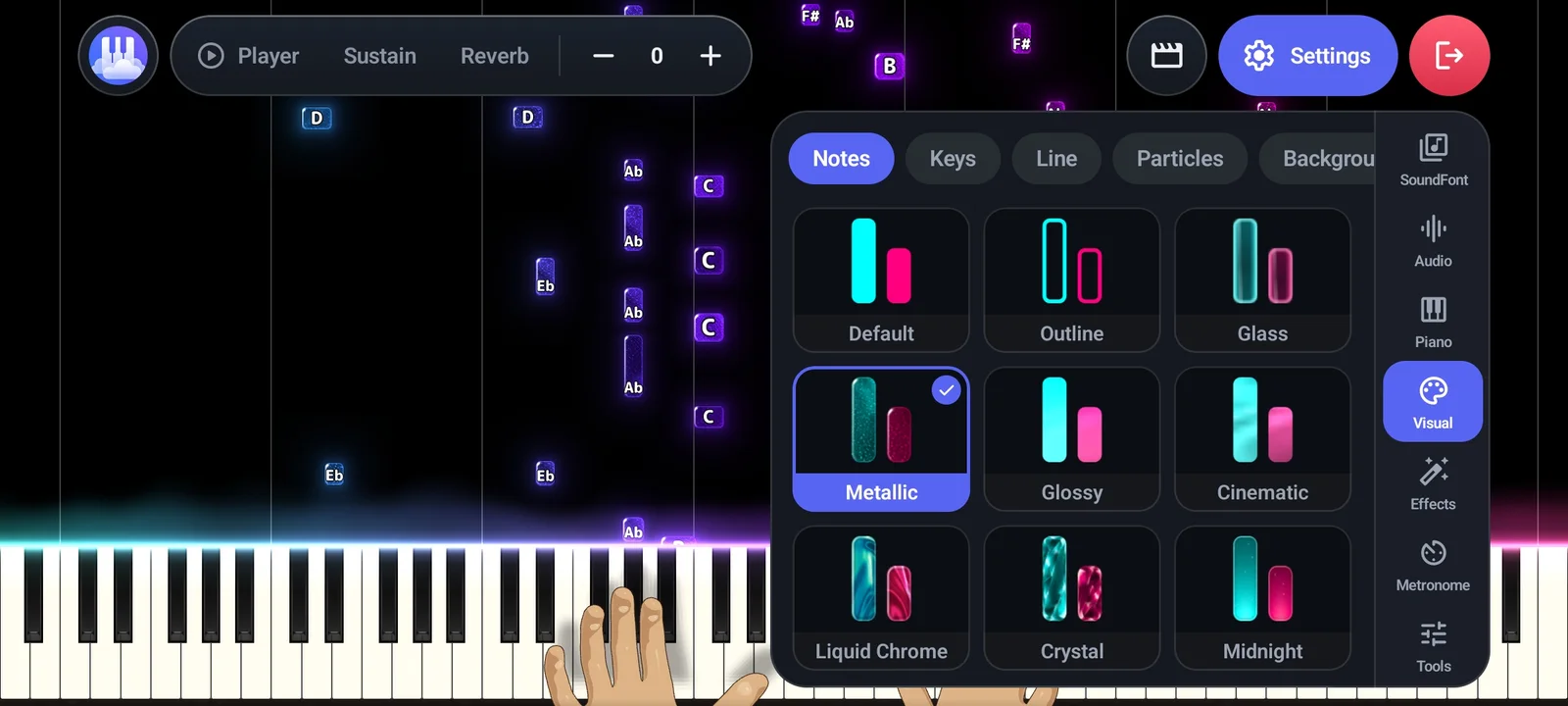
- Adjustable colors, speed and visual effects, so every performance looks like yours.
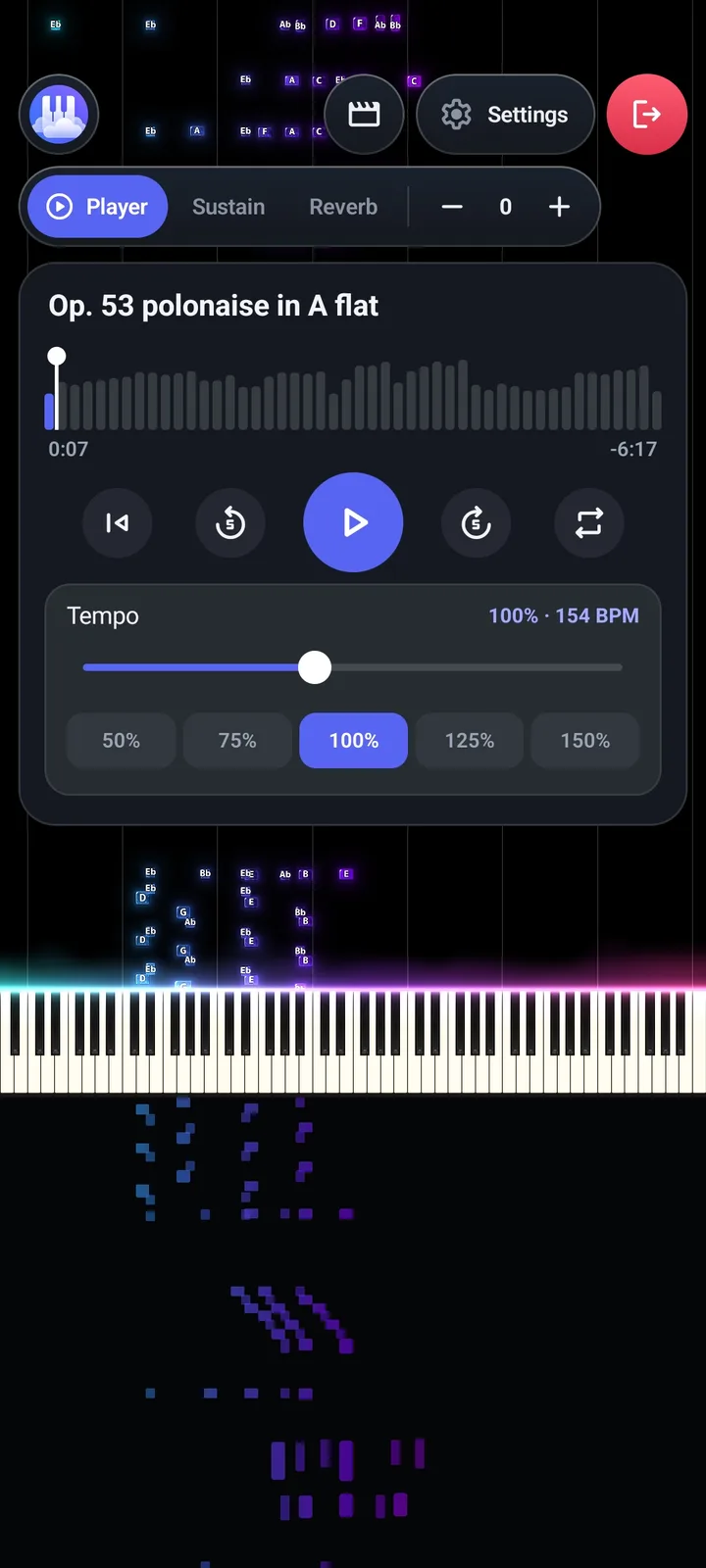
- MIDI and MusicXML files from your phone or from the MIDI Library.
How it works
- 1
Pick a song
Open a MIDI or MusicXML file from your phone, or choose one from the MIDI Library.
- 2
Press play
Notes fall onto the keyboard and the piano plays them as they land.
- 3
Make it yours
Change colors, speed and effects until the look fits the song.
- 4
Share it
Export the result as a video with Export Studio.
Frequently asked questions
Which files can the Visualizer open?
MIDI and MusicXML files. You can also start from a song in the MIDI Library, or from a MIDI you made with Audio to MIDI.
Do I need a MIDI keyboard?
No. The Visualizer plays a song for you to watch. To play along yourself, use Solo Piano or Learn Song, which accept the touchscreen or a MIDI keyboard.
Is the Visualizer free?
Papiano has a free plan supported by ads. Premium removes the ads.
Works well with
Solo Piano
Open the keyboard and play at once. Layer strings over the piano and load your own SoundFonts.
Video Export
Export your Visualizer as an MP4 for TikTok, Reels and YouTube Shorts.
Learn Song
Practice with falling notes that wait for you. Play on screen or with a MIDI keyboard.