Rooms for every kind of session
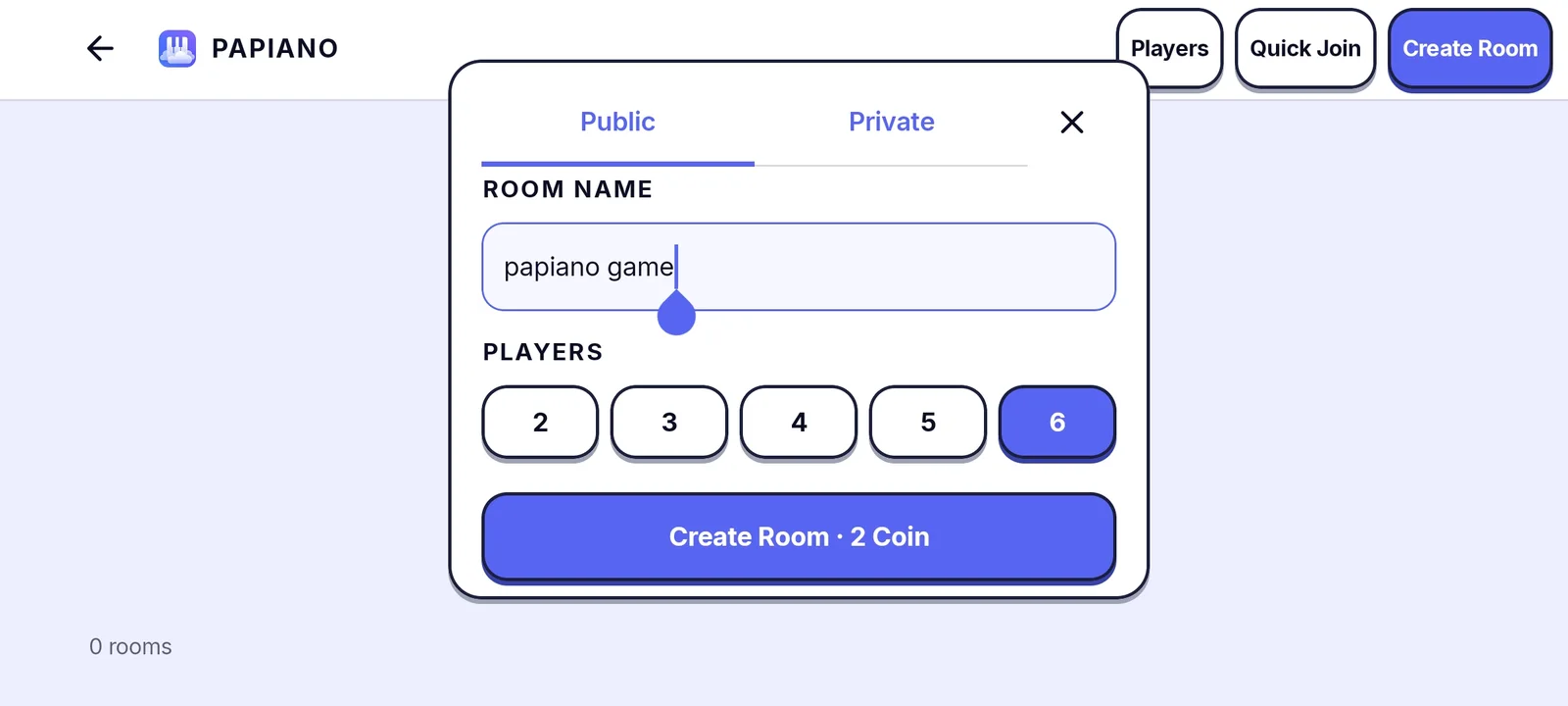
The lobby lists live rooms with how many players are inside. Public rooms are open to everyone. Private rooms are protected by a password you choose. Creating a room shows its Coin cost before you confirm, and Coin can be earned through quests.
Play, talk, stay safe
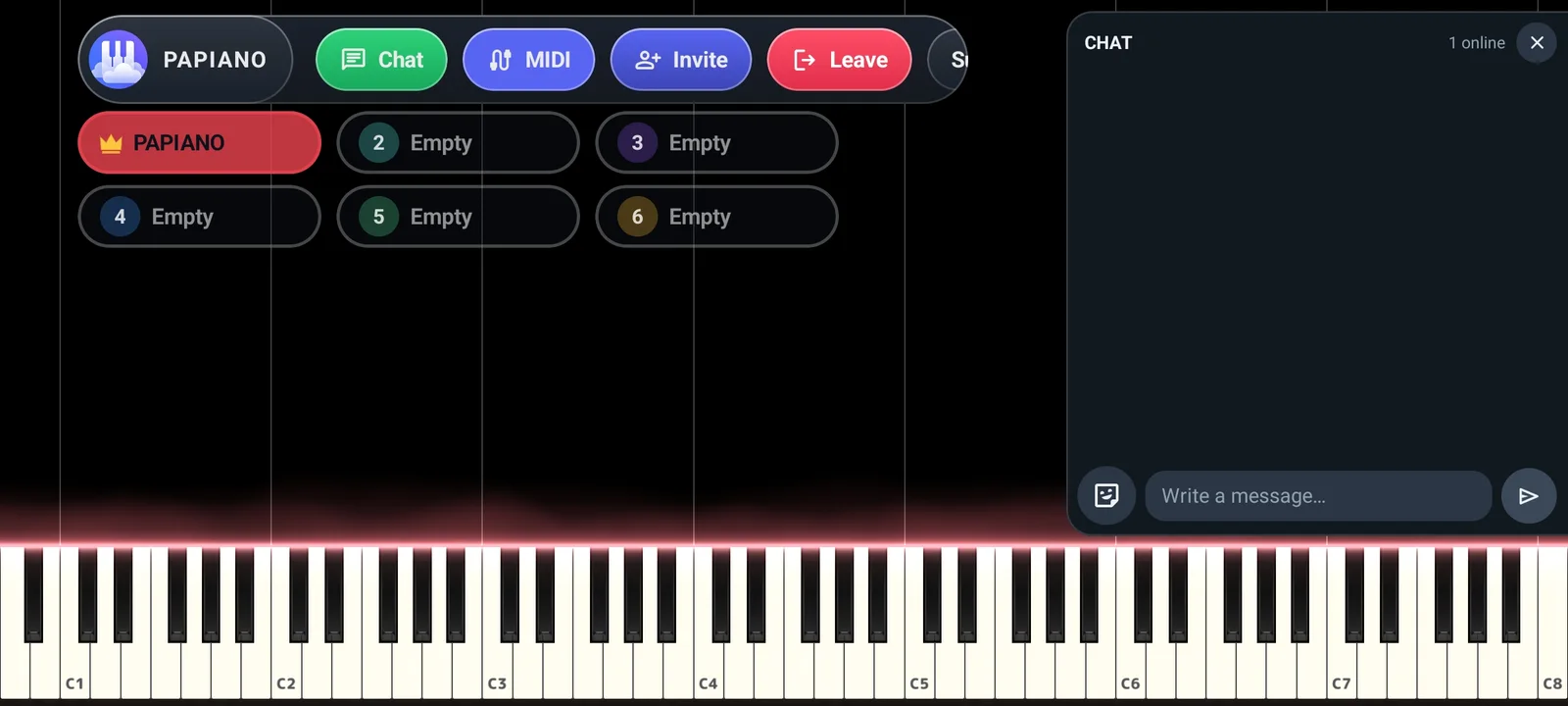
- Notes stream to every player in the room as they are played.
- Room chat sits alongside the piano.
- Room owners can mute, kick and ban players.
- The Community Guidelines apply in every room.
How it works
- 1
Open Multiplayer
The lobby shows rooms that are live right now.
- 2
Join or create
Tap a room to join, or create a public or private one.
- 3
Play together
Use the touchscreen or a MIDI keyboard on the same stage as Solo Piano.
- 4
Chat
Talk with the room while you play.
Frequently asked questions
Can I make a private room?
Yes. Choose Private when you create a room and set a password. Only players who know it can join.
Does it cost anything to play in a room?
Creating a room can cost Coin, and the price is shown before you confirm. Coin can be earned free through daily quests.
How is abuse handled?
Players can report others, room owners can mute, kick and ban, and moderators can act on reports under the Community Guidelines.
Works well with
Learn Song
Practice with falling notes that wait for you. Play on screen or with a MIDI keyboard.
Falling Notes
Watch your MIDI or MusicXML songs fall onto a 3D keyboard with key light and particles.
MIDI Library
Discover songs shared by the community, preview them, and share your own MIDI files.