Rendered, not screen-recorded
Export Studio draws every frame itself instead of recording your screen, so a slow phone and a fast phone produce the same video and no frames are dropped. The sound is rendered from the same grand piano as playback.
Made for social platforms
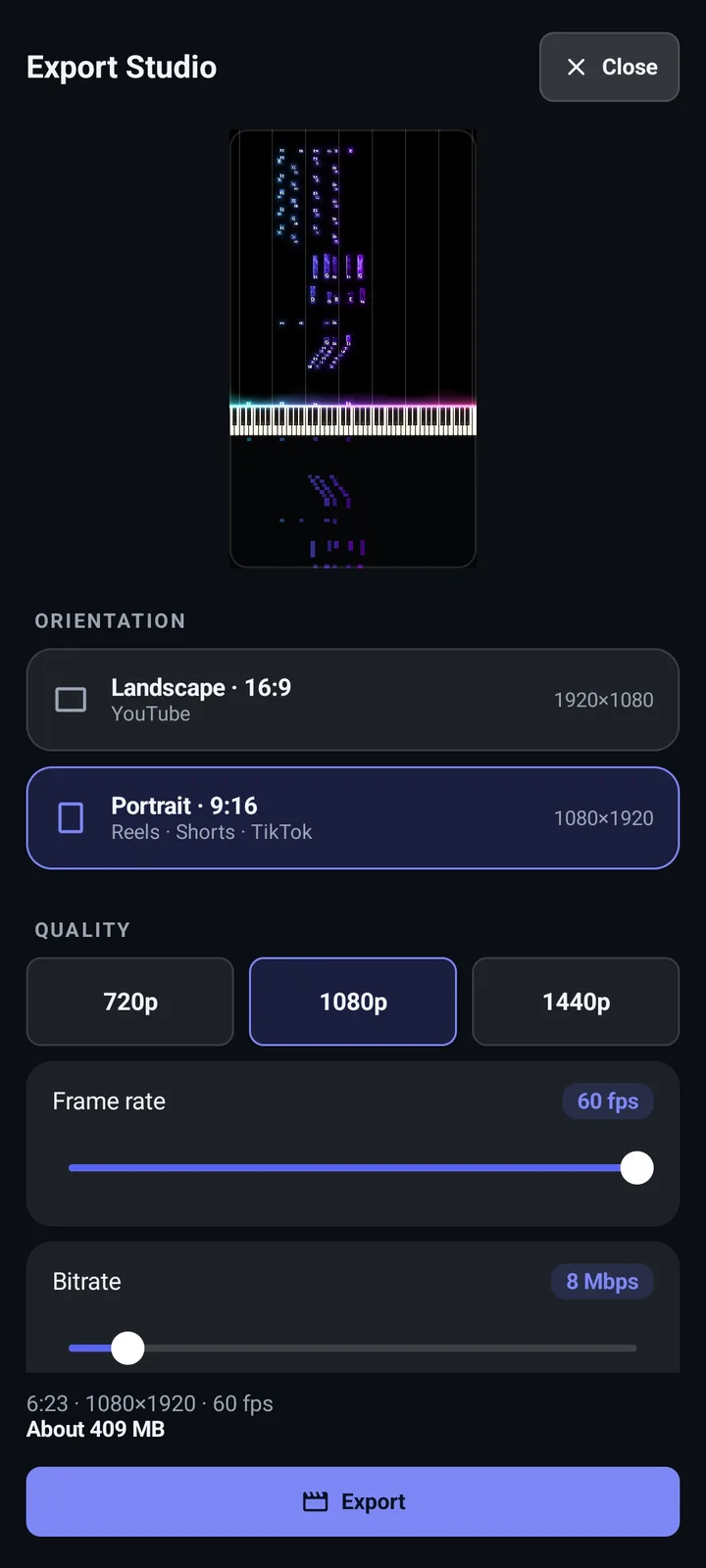
- Separate landscape and portrait profiles, each with its own resolution, frame rate and quality.
- Trim the song to just the part you want to show.
- Your Visualizer colors, effects and background carry into the video.
- Encoding is tuned toward YouTube's recommended upload settings, so platforms re-compress it less harshly.
- Export keeps running if you switch to another app.
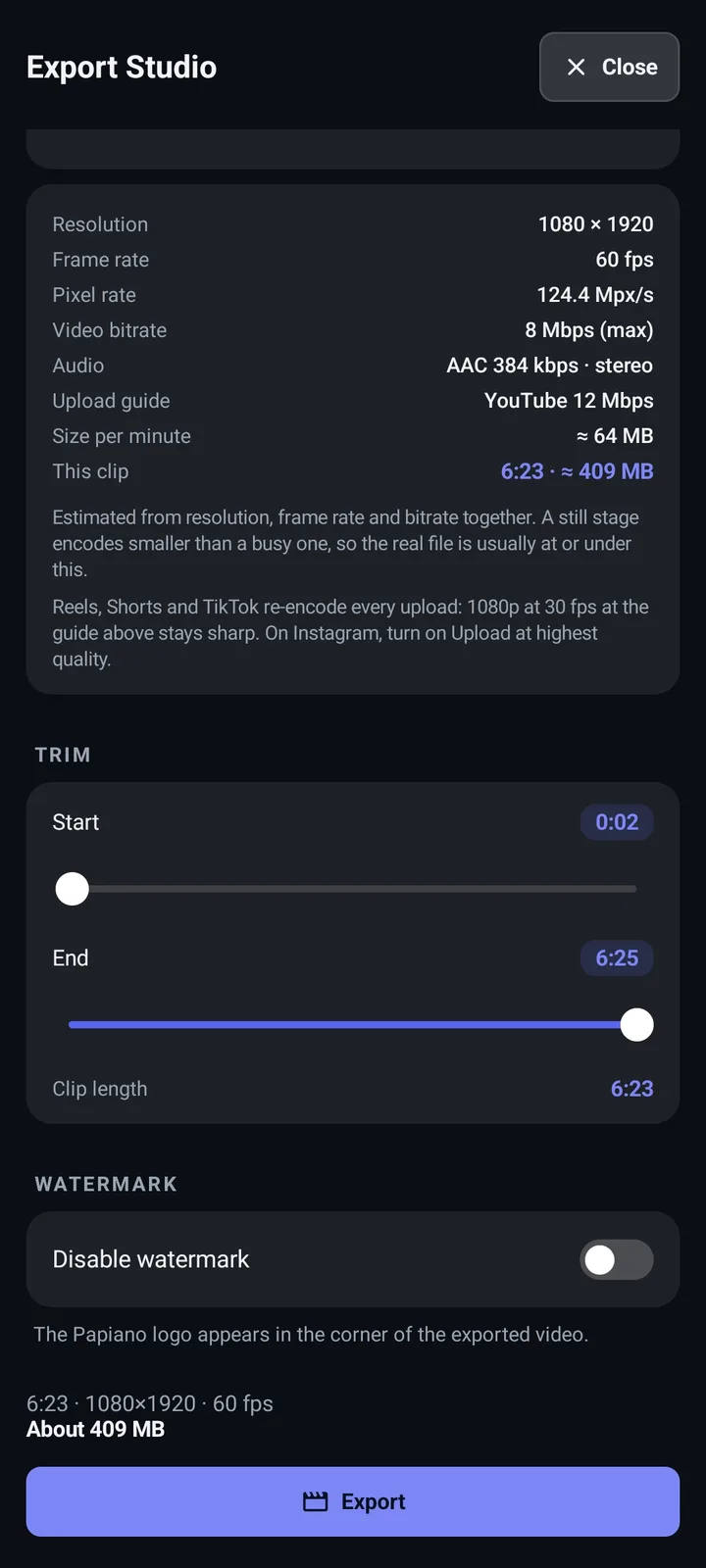
Watermark
Free exports carry a small Papiano watermark. Free players can turn it off by watching a short video before exporting.
How it works
- 1
Open a song in the Visualizer
Set up the colors and effects you like.
- 2
Tap Export
Choose landscape or portrait, a quality, and trim the clip.
- 3
Render
Papiano builds the MP4 frame by frame with progress on screen.
- 4
Post it
Share the finished video to TikTok, Reels, Shorts or anywhere else.
Frequently asked questions
What format is the video?
MP4, with H.264 video and AAC audio.
Can I export in portrait for Reels or Shorts?
Yes. Portrait and landscape are separate profiles, so changing one never changes the other.
Do I need Premium to export?
No. Free exports include a watermark that you can remove by watching a short video.