Open it and play
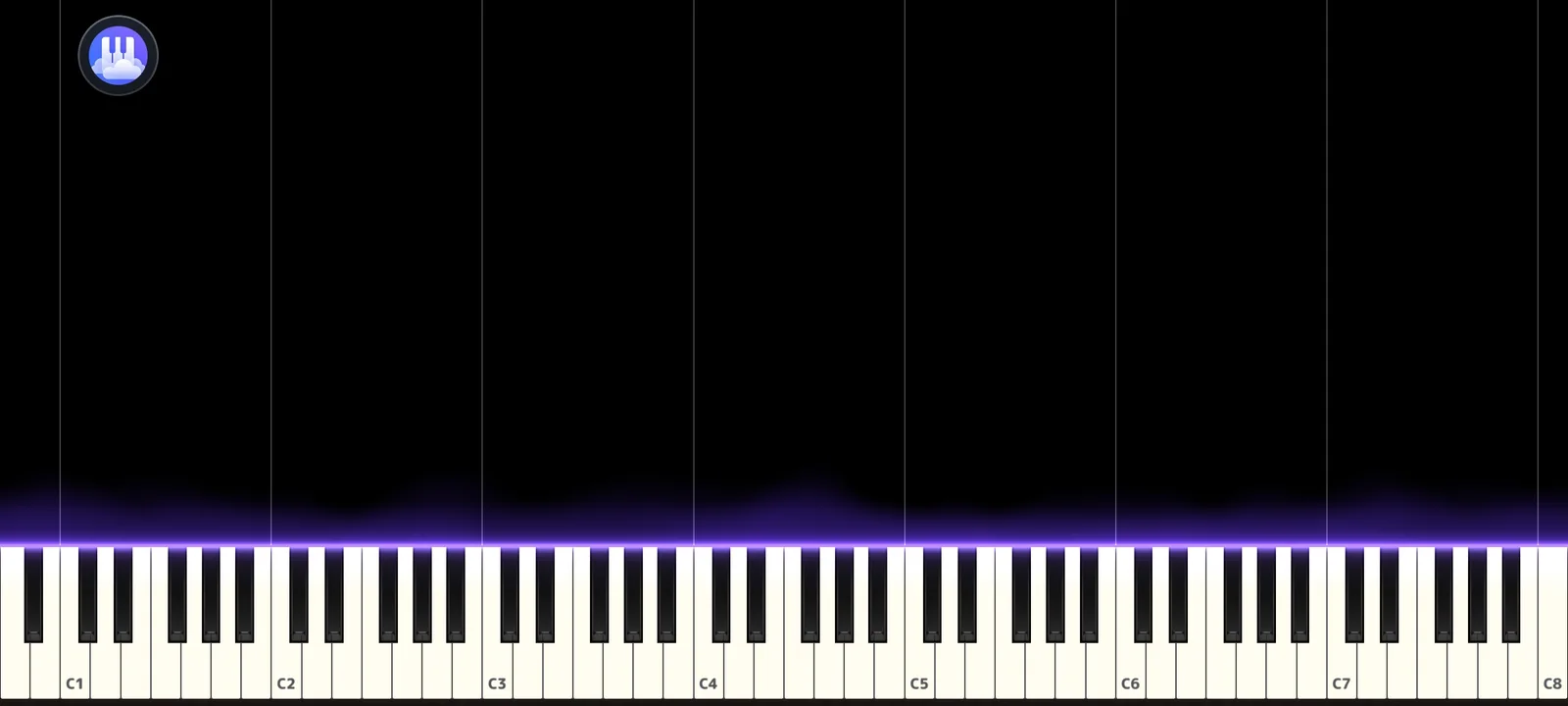
Solo Piano opens straight to the keyboard, with no song to load first. It uses the same keyboard, sounds and effects as the Visualizer, and accepts touch and MIDI input.
- Play on the touchscreen, or on a USB or Bluetooth MIDI keyboard that Android recognizes.
- A toolbar with MIDI, Sustain and Reverb controls.
- Part of the free plan.
Layer instruments like an orchestra
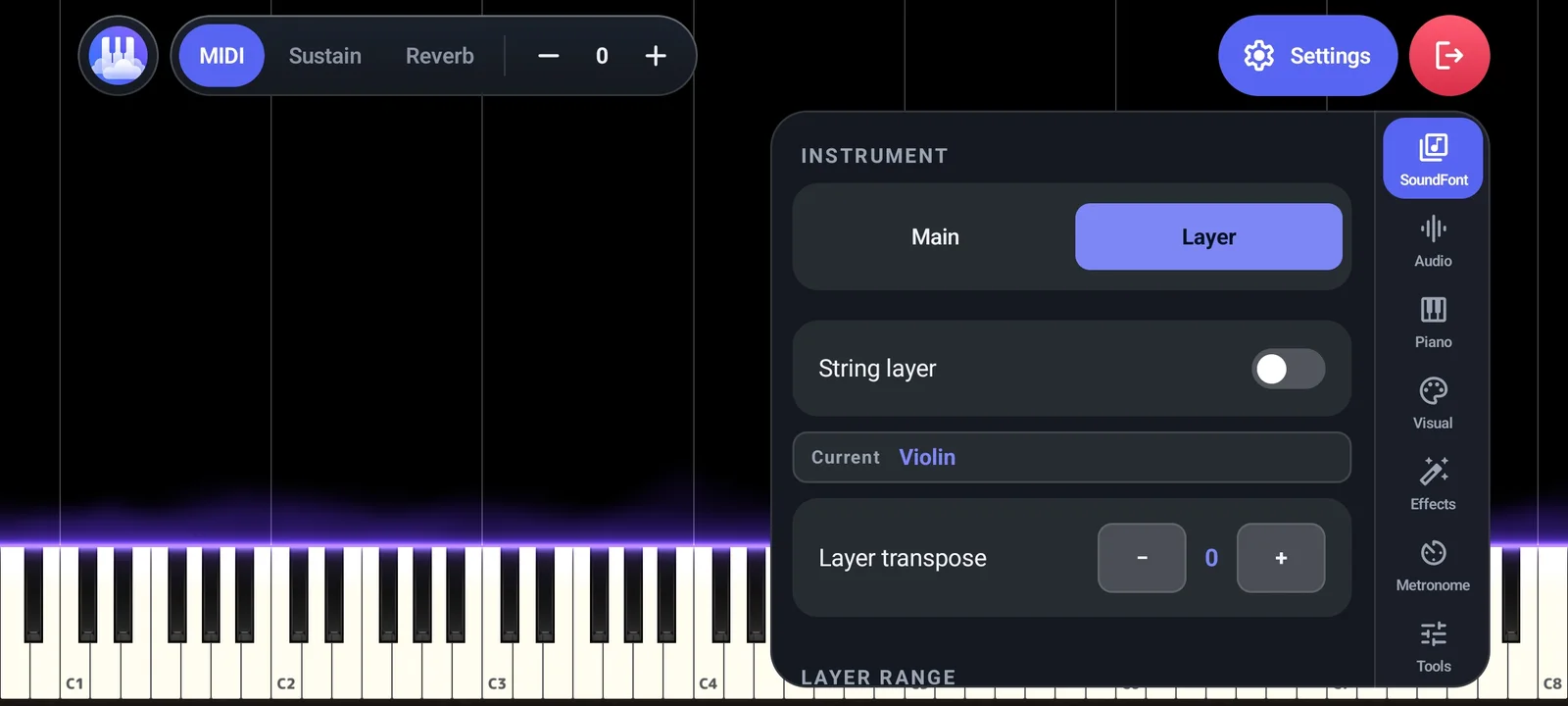
Papiano supports SoundFont layers. Keep the piano as your Main sound, add a Layer such as Violin on top, and play piano and strings together, like an orchestra of one.
- Switch between the Main and Layer instruments in the SoundFont settings.
- Turn the String layer on or off.
- Transpose the layer and set its range, so each instrument sits where you want it.
Use your own SoundFonts
Papiano plays SF2 SoundFonts through its own audio engine, and supports custom SoundFonts. Load your own to change how the piano, strings or any other instrument sounds.
How it works
- 1
Open Solo Piano
The keyboard is ready straight away: no song, no setup.
- 2
Play
Use the touchscreen, or turn MIDI on to play a USB or Bluetooth keyboard.
- 3
Choose your sound
Tap Settings, then SoundFont, to pick your Main instrument.
- 4
Add a layer
Switch to Layer, pick an instrument such as Violin or turn on the String layer, then set its transpose and range.
Frequently asked questions
Do I need a MIDI keyboard?
No. The on-screen keyboard works with touch. If you have a USB or Bluetooth MIDI keyboard that Android recognizes, Solo Piano accepts it.
What is a SoundFont layer?
A layer adds a second instrument, such as strings, on top of your main piano sound, so both play together when you press a key.
Can I use my own SoundFont?
Yes. Papiano supports custom SoundFonts, so you can change how its instruments sound.
Is Solo Piano free?
Yes. Solo Piano is part of the free plan, which is supported by ads. Premium removes the ads.
Works well with
Falling Notes
Watch your MIDI or MusicXML songs fall onto a 3D keyboard with key light and particles.
Learn Song
Practice with falling notes that wait for you. Play on screen or with a MIDI keyboard.
Video Export
Export your Visualizer as an MP4 for TikTok, Reels and YouTube Shorts.