Browse, preview, open
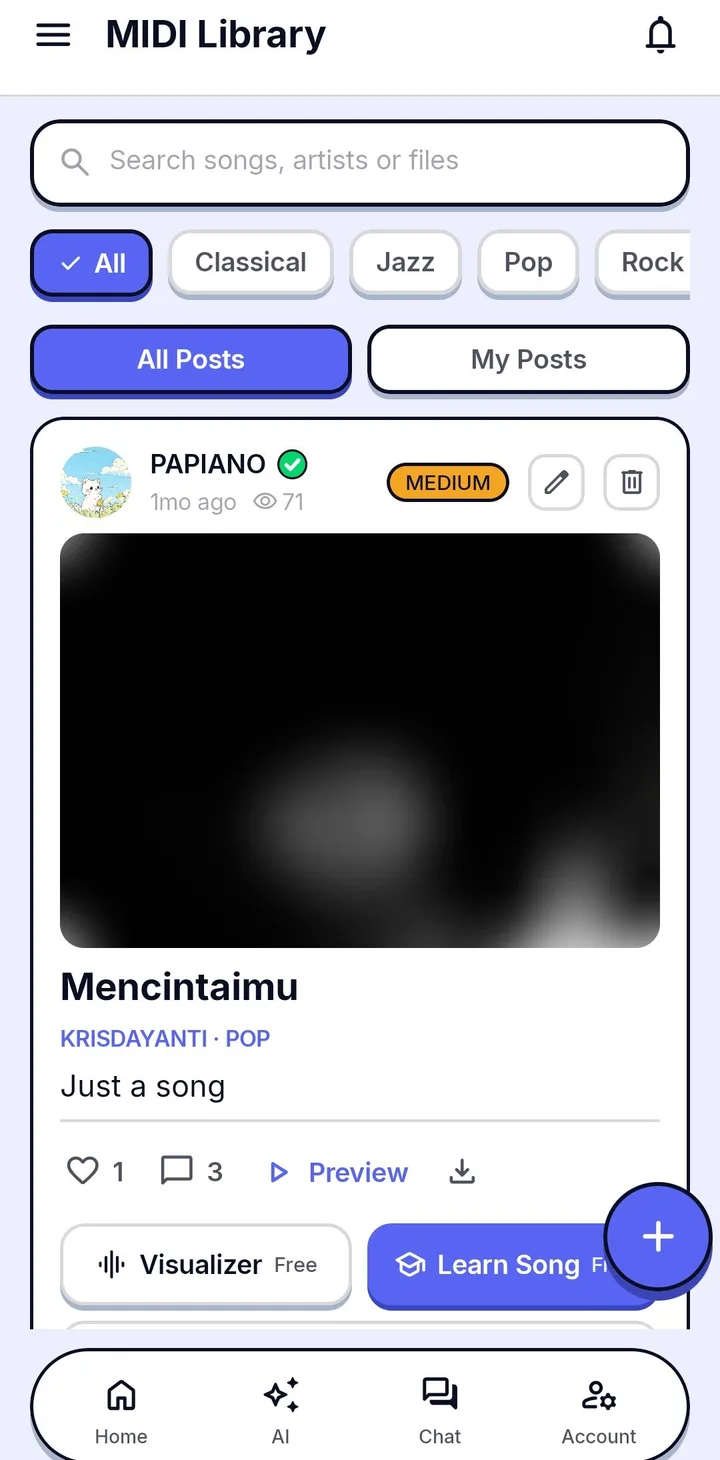
- Search by song title, artist or uploader, and filter by genre.
- A 30-second preview plays on the same grand piano as the Visualizer.
- Every song shows its difficulty, uploader and view count.
- Open a song in the Visualizer, Learn Song or Sheet Music straight from its card.
- Like, comment and reply, or report content that breaks the rules.
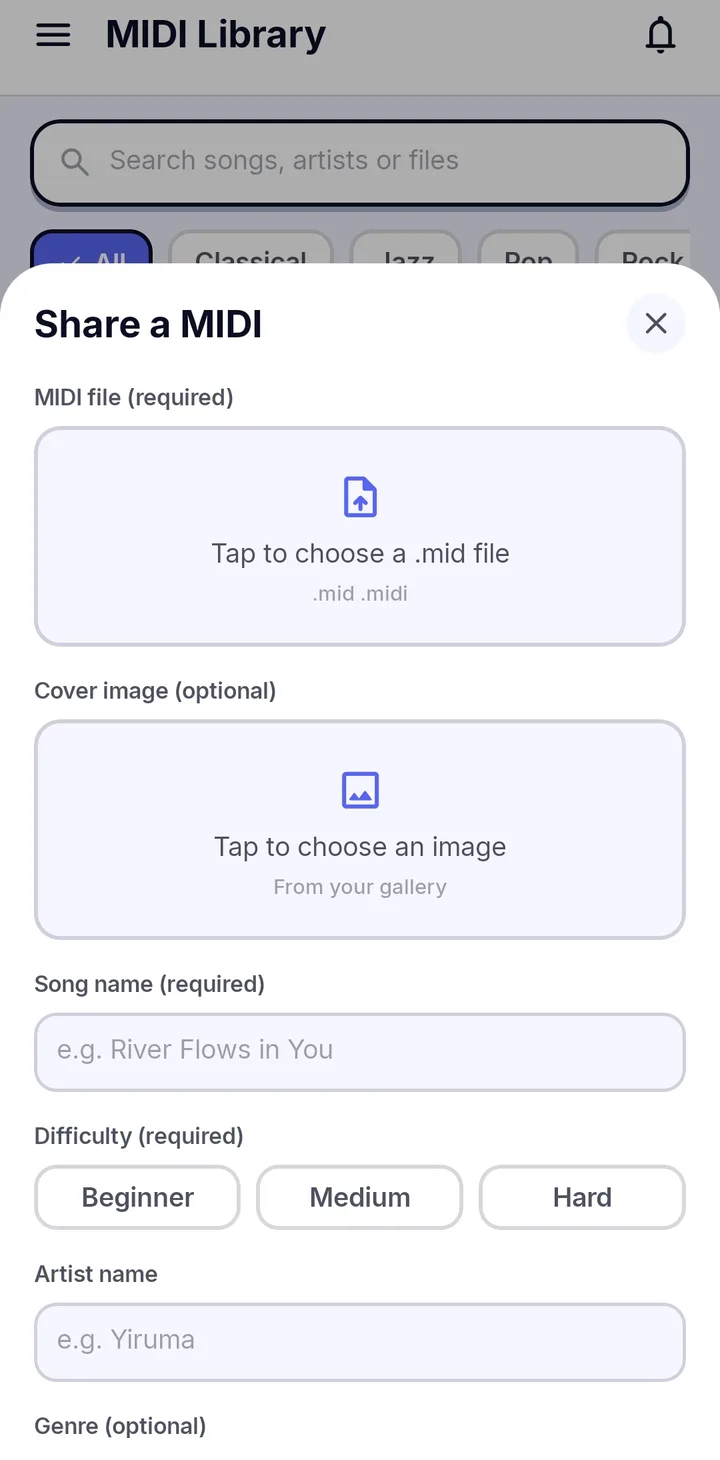
Share your own
Upload your MIDI files for other players to enjoy, and earn Coin through sharing quests. Only share music you have the right to share; the Community Guidelines and Terms explain what is allowed.
How it works
- 1
Search or filter
Type a title or artist, or pick a genre.
- 2
Preview
Tap a card to hear a 30-second preview.
- 3
Open it
Send the song to the Visualizer, Learn Song or Sheet Music.
- 4
Share yours
Post your own MIDI so others can play it.
Frequently asked questions
Can I upload my own MIDI files?
Yes. Share MIDI files you have the right to share, and they appear in the library for other players.
How do I report a problem post?
Use the report button on the card and pick a reason. Moderators review reports under the Community Guidelines.
Are there rewards for sharing?
Yes. Sharing quests give Coin when you upload songs to the library.
Works well with
Learn Song
Practice with falling notes that wait for you. Play on screen or with a MIDI keyboard.
MIDI to Sheet Music
Engrave real piano notation from MIDI, play it back, and export an A4 PDF.
Falling Notes
Watch your MIDI or MusicXML songs fall onto a 3D keyboard with key light and particles.