What you can ask
Papiano AI answers questions about music theory, practice and your songs. Ask in plain words: there is no special format to learn.
- Explain a concept, such as the ii–V–I progression.
- Write a chord progression for any key or mood, such as a sad progression in C minor.
- Get practice advice, such as how to practice scales more effectively.
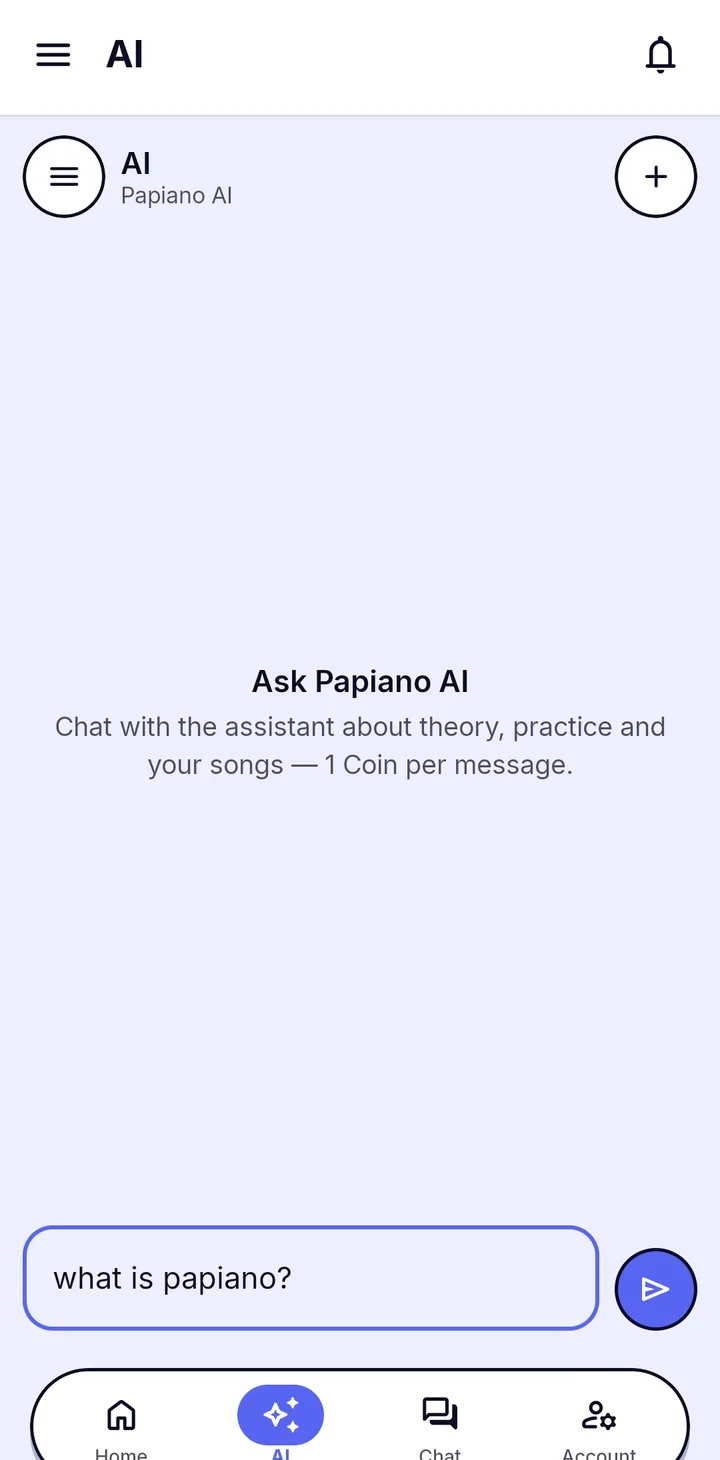
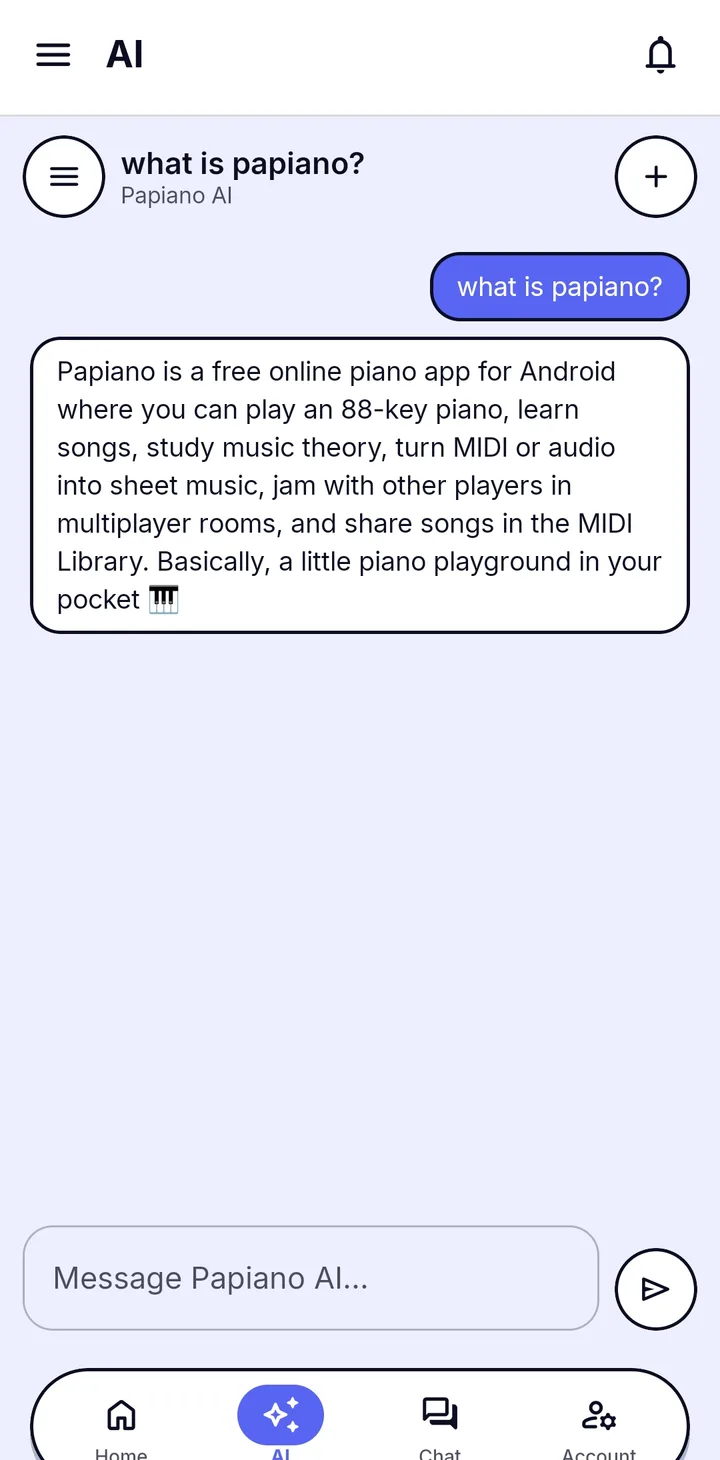
Chat in your own language
Write to Papiano AI in the language you think in, and it answers in the language you use.
Coin and Premium
Papiano AI is on the free plan. Each message costs 1 Coin, and the cost is shown on screen. Premium includes 250 Coin every month and upgrades the assistant to a more capable AI model.
One AI, two jobs
The same Papiano AI powers Audio to MIDI: hand it a recording you own and it transcribes the audio into piano MIDI you can play as falling notes. To practice the chords it suggests, open Learn Music Theory or Solo Piano.
How it works
- 1
Open Papiano AI
Open the Papiano AI chat in the app.
- 2
Ask your question
Type it in plain language, in your own language.
- 3
Read the answer
The reply appears in the chat. Ask a follow-up to go deeper.
- 4
Play it
Try the chords on the keyboard in Solo Piano or Learn Music Theory.
Frequently asked questions
Is Papiano AI free?
You can chat on the free plan. Each message costs 1 Coin. Premium includes 250 Coin every month and upgrades the assistant to a more capable AI model.
Which languages does Papiano AI understand?
Write in your own language and it answers in the language you use.
Can Papiano AI write chord progressions?
Yes. Ask for a progression in any key or mood and it writes one out in the chat.
Works well with
Learn Music Theory
Learn chords and scales on the keyboard. Pick a root note, watch the notes light up and play them for a score.
Audio to MIDI
Turn audio or video you own into piano MIDI.
Solo Piano
Open the keyboard and play at once. Layer strings over the piano and load your own SoundFonts.