Three ways to test your ear
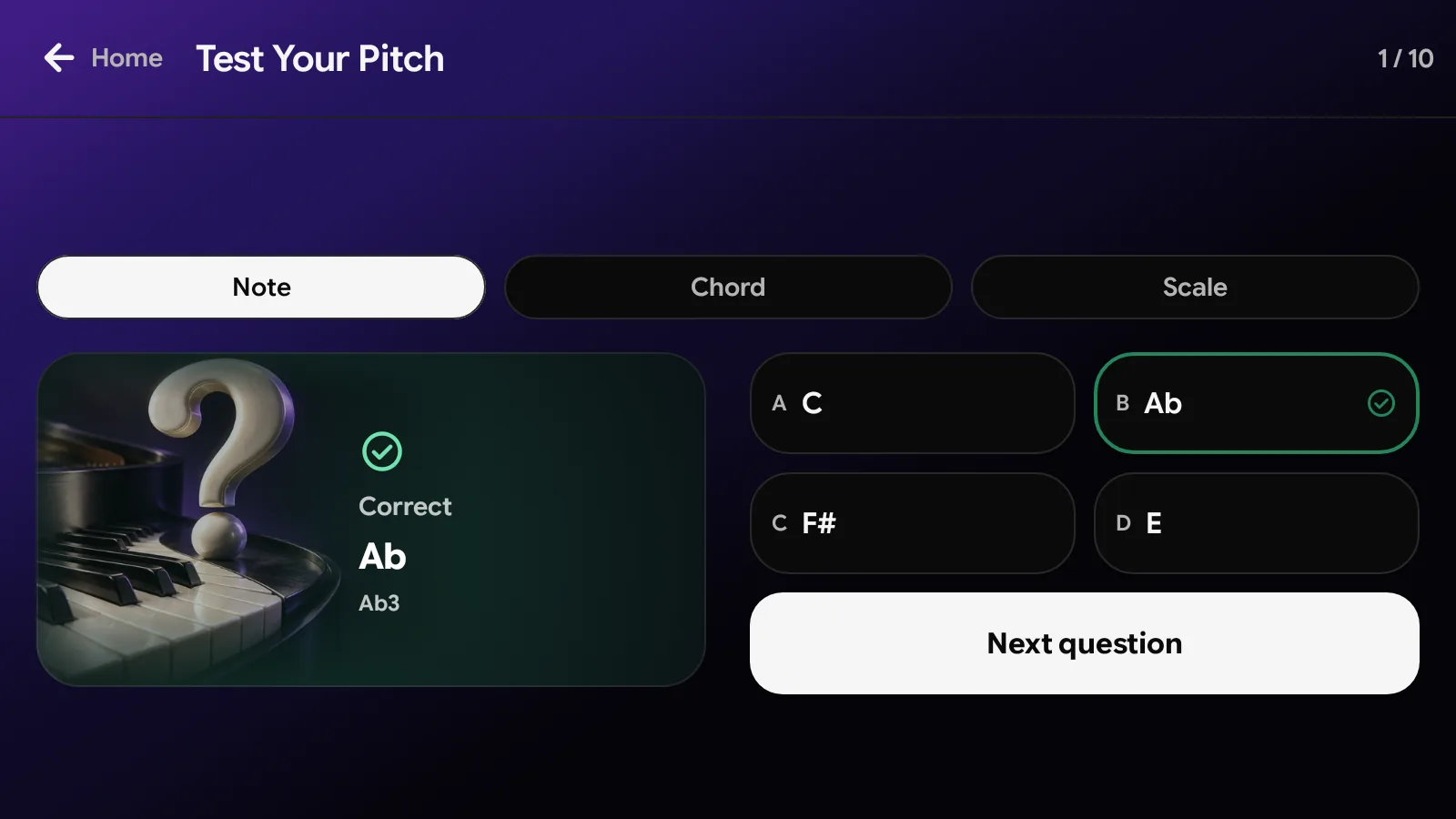
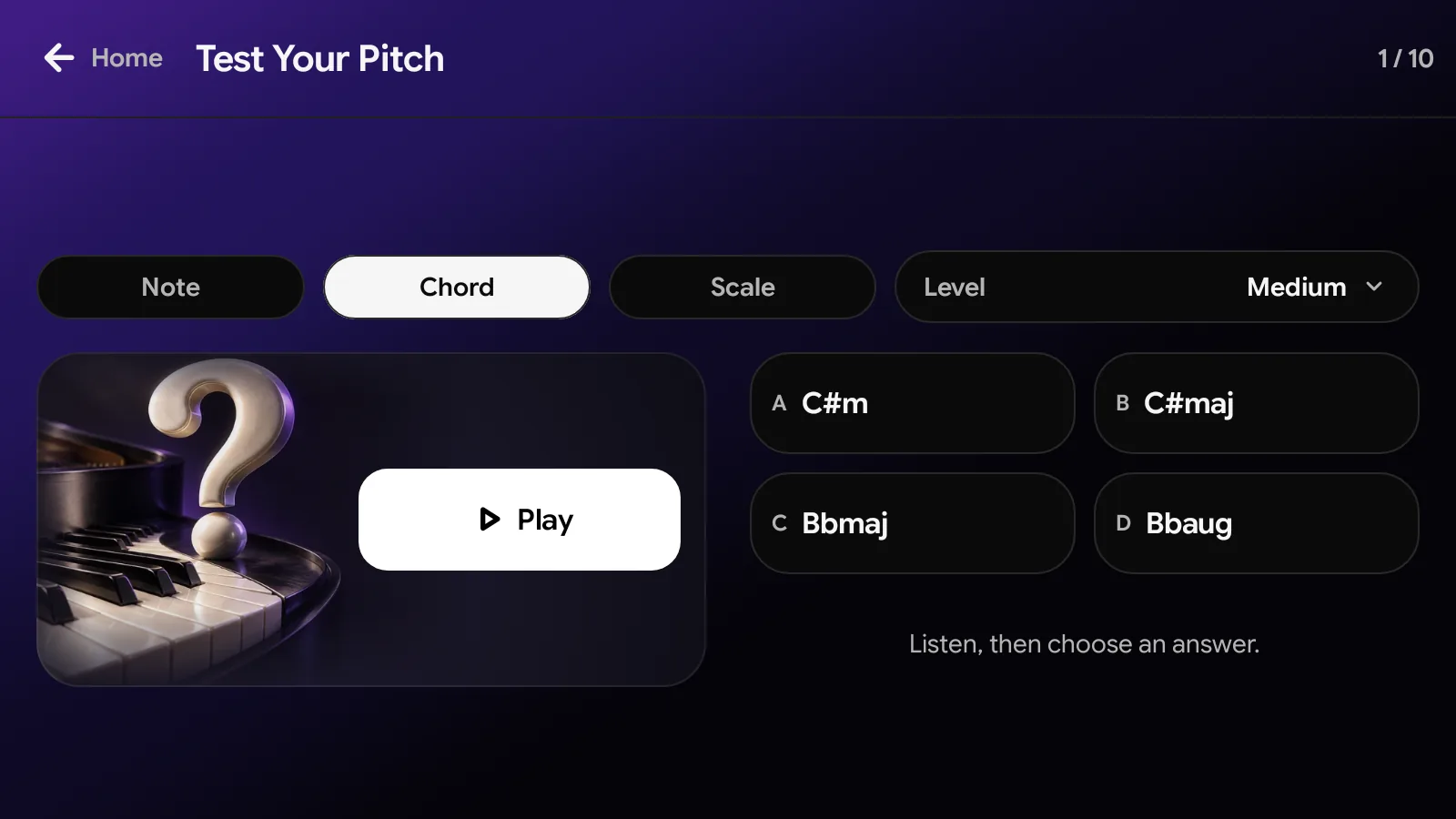
Open Test Your Pitch from Home and choose what to hear. Press Play, listen, then pick one of four answers. The card turns over to show whether you were right, with the answer and its notes.
- Note: one piano note between C3 and B3. Name it from four note names.
- Chord: name the chord you hear, from major, minor, diminished and augmented triads up to ninths, elevenths, thirteenths and altered chords.
- Scale: tell major, natural minor, harmonic minor and melodic minor apart.
Four levels for chords
Pick a level before you start. Beginner is the place to begin, even if you have never trained your ear.
- Beginner: is the chord major, minor, diminished or augmented?
- Medium: name the root as well, for example C#m or Bbaug.
- Professional: triads, seventh chords and ninth chords.
- Pianist: every kind, up to elevenths, thirteenths and altered chords.
A perfect pitch test, with no reference note
Perfect pitch, also called absolute pitch, is naming a note without hearing another note first. Note mode, and chords from Medium up, ask exactly that: nothing is played before the question.
Telling chord and scale types apart is relative pitch: it is about how the notes sit together, not where they are. If naming a single note feels out of reach, start there, with chords at Beginner and with scales.
Chord Quiz: read the notes, name the chord
Chord Quiz, a tab in Learn Music Theory, is silent. It shows a chord's notes from low to high on a keyboard, with the bass note marked, and asks for its name. After you answer, the card explains it, for example "C Major, first inversion: E in the bass".
- Beginner: major, minor, diminished and augmented triads in root position.
- Medium: adds sus chords, and first and second inversions.
- Professional: adds sixth and seventh chords, third inversions and slash chords.
- Pianist: every chord, including ninths, elevenths, thirteenths and altered chords.
How it works
- 1
Open Test Your Pitch
Find it on Home. Chord Quiz is a tab in Learn Music Theory.
- 2
Choose what to hear
Pick Note, Chord or Scale, and a level for chords.
- 3
Listen and answer
Press Play, replay as often as you like, then pick one of four answers.
- 4
See your score
After ten questions, see how many you got right, then play again.
Frequently asked questions
Is Test Your Pitch a perfect pitch test?
Yes. In Note mode Papiano plays one note between C3 and B3, with no reference note, and asks you to name it. Chords from Medium up also ask for the root without a reference.
Do I need to read music?
No. Test Your Pitch is all listening, and every answer is a note, chord or scale name. Chord Quiz shows each chord's notes on a keyboard as well as by name.
Does it cost anything?
No. Test Your Pitch and Chord Quiz are free for every player and use no Coin. Questions are made on your phone, and no score is stored on a server.
What is the difference between Test Your Pitch and Chord Quiz?
Test Your Pitch trains your ear: you hear a note, a chord or a scale and name it. Chord Quiz trains your eye: you see a chord's notes and name it, inversions and slash chords included.
Works well with
Learn Music Theory
Learn chords and scales on the keyboard, play them for a score, and name chords in Chord Quiz.
Learn Song
Practice with falling notes that wait for you. Play on screen or with a MIDI keyboard.
Papiano AI Chat
Chat with Papiano AI about music theory and practice, or ask for a chord progression, in your own language.